Ask out loud
Ask Vision questions using your phone’s browser. Audio can use paired glasses when your phone and browser support it.
VisionFlow for
Your day, spoken. A new view, planned.
Use VisionFlow on your phone today. Native in-lens VisionFlow features are Coming soon, with no confirmed release date.
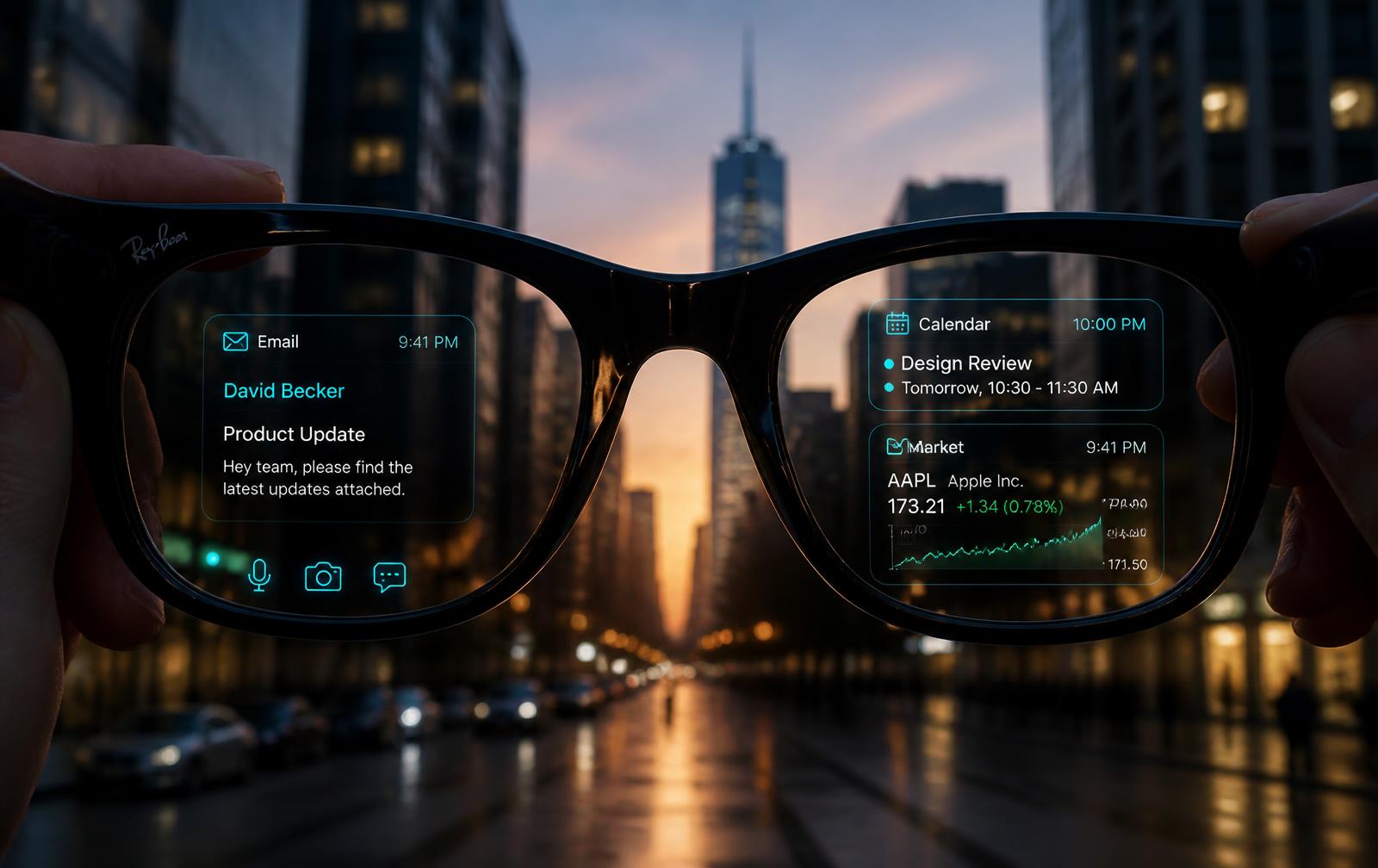
Concept image. Not a demonstration of a working VisionFlow glasses display.
Available today · through your phone
Ask Vision questions using your phone’s browser. Audio can use paired glasses when your phone and browser support it.
Connect Gmail to read messages and prepare replies in VisionFlow. Drafting a reply does not send it.
Check your connected Google Calendar, manage events and set reminders through Vision.
Signed-in place searches and directions bring back real locations and routes in VisionFlow.

The voice experience
Pair your glasses with your phone, open VisionFlow and sign in. Choose the microphone and audio output your phone makes available, then talk to Vision.
Glasses microphone routing depends on your device and browser. VisionFlow does not replace Meta AI or run as a native Meta glasses app.
Check glasses compatibility
Coming soon
In-lens email previews, calendar cards and visual directions are planned VisionFlow experiences, not available features.
Native Display integration and wristband controls are not implemented. No release date is confirmed.
View display conceptsDisplay integration · Coming soon
Meta now documents display access through its Wearables Device Access Toolkit. VisionFlow still needs a native phone companion and real-glasses testing; opening Glance in a browser does not install it on the Display lens.
Use Meta Ray-Ban Display glasses paired with a phone running the Meta AI app. Developer app approval alone does not verify device access.
Follow Meta’s current version requirements, update the phone app and glasses firmware, enable developer mode and install the Device Access Toolkit while wearing the glasses.
A separate native iOS or Android companion must connect to the glasses and send simple display cards. That companion is not built in this website.
Test a user-started display session, next-up cards, touchpad and Neural Band actions, disconnects, interruptions and stopping the session before claiming support.
Not today. The in-lens visuals shown here are concepts. Use VisionFlow in your phone’s browser for the current experience.
No. VisionFlow is an independent product by MJH Creative Solutions LLC. This page does not imply endorsement or a partnership with Meta or Ray-Ban.
No. VisionFlow plans are software subscriptions. Glasses are purchased separately from their manufacturer or retailer.