🎨 VisionFlow Forge
AI App & Website Studio for Creators
Prompt or speak your idea aloud to build storefronts, podcast hubs, booking funnels and micro-apps with live responsive preview, code editing and 1-click live publishing.
Email, calendar, chat, CRM and markets in one voice assistant — for Ray-Ban Meta Display glasses, phone and desktop.
VisionFlow AI · ✓ Meta Verified (MJH Creative Solutions LLC)
30-day
free trial — no credit card
11+
platforms in one unified feed
$19.99
per month when you need more
New in VisionFlow AI · ✓ Meta Verified
🎨 VisionFlow Forge
Prompt or speak your idea aloud to build storefronts, podcast hubs, booking funnels and micro-apps with live responsive preview, code editing and 1-click live publishing.
🩺 Microsoft Dragon Copilot
Ambient smart-glasses encounter capture structured into SOAP notes and After-Visit Summaries ready for Microsoft Dragon Copilot, Epic, Oracle Cerner, Athenahealth and eClinicalWorks — with mandatory clinician sign-off.
⚡ Icarus + Perplexity Sonar
Included inside VisionFlow AI and available standalone: 10 industry packs, movable Muse all-agent voice hub, cited Perplexity Sonar web research, and 1-tap mobile QR install.
Presence
Alerts arrive in your ear as they happen. Reply, dismiss or save them out loud — a real two-way conversation, with every send, booking or unlock confirmed before it happens.
See platform support

Gmail, Outlook, Slack, Teams, Salesforce, Zoom, WhatsApp Business, Calendly and more — one prioritised stream, one voice.

Draft replies in your own writing style, book and reschedule across Google and Outlook, with conflicts flagged before you commit.

Cross-source AI summaries at meeting boundaries, plus multi-timeframe technical analysis across stocks, forex and crypto.

Lights, locks, climate and your car by voice — always confirmed first. Plus ambient captioning and instant camera translation.
Available today
These are the parts of VisionFlow you can use the moment you sign up — no waitlist, no demo request.
Voice assistant
LiveTalk to Vision out loud and it answers, searches and keeps up with the conversation.
Open the live demo →
Email & calendar
LiveVision reads your Gmail and Google Calendar, drafts replies and moves events — and always says so before anything is sent.
See it on the tour →
Places & directions
LiveAsk where to eat or how to get somewhere and Vision brings back real places, ratings and turn-by-turn routes.
See it on the tour →
Practice predictions
LivePredict games and events with a $10,000 play-money bankroll — no real cash until you decide.
Try practice mode →
Spatial 3D views
LiveStep inside a 3D heads-up display, Vision Pro, Quest Pro and hologram portal, right in your browser.
Open the 3D view →
Gaming help
LiveAsk for builds, agent picks and strategy out loud, then set practice reminders so you actually follow through.
See what works today →
Available browser tools & planned features
Four browser tools are available today, offline support is partial, and seven capabilities are Coming soon. The notes below separate what works from what still needs to be built. Ray-Ban Meta Display, Vuzix Blade and Vision Pro integrations remain unverified; displayless glasses do not have an in-lens HUD.
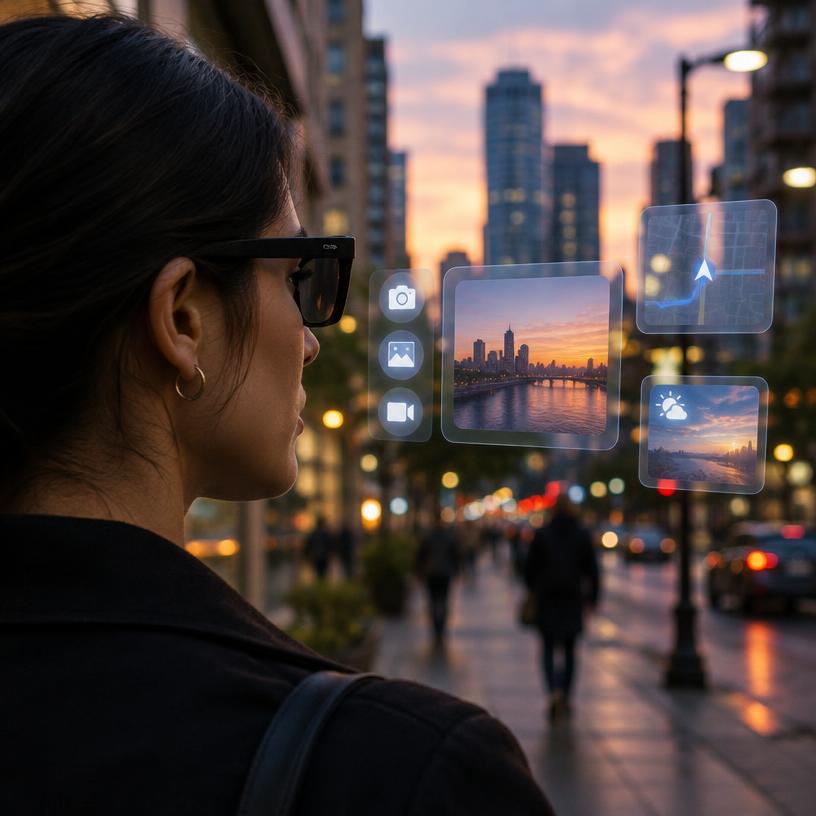 Coming soon
Planned: glance at what matters through supported display glasses. Browser 3D views are available separately.
Needs manufacturer integration, installation access and physical-glasses testing. No working in-lens HUD yet.
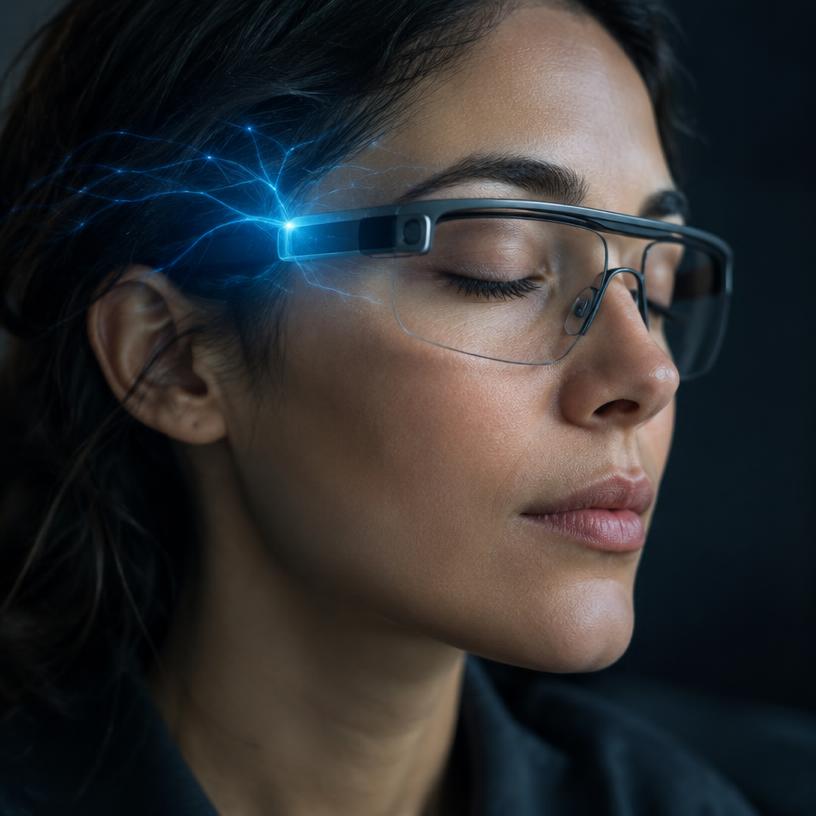 Coming soon
Planned: experimental commands from brain-signal hardware. Voice input is available today, but it is not thought control.
Needs compatible sensors, explicit consent and reliable command validation.
 Coming soon
Planned: bring heart rate and activity from your watch into Vision.
Needs a supported watch connection, health-data permissions and device testing. Not medical monitoring.
 Coming soon
Planned: approve small bill payments before Vision pays them.
Needs a payment provider, spending limits, approval checks and verified receipts. No bill payments today.
 Partly available
Device-local reminders and basic 3D tools can work without internet in an already-open workspace. AI, email and directions still need a connection.
Full offline reopening is Coming soon: the offline shell still needs testing after deployment.
 Coming soon
Planned: ask Vision to call a business and arrange an appointment.
Needs a calling provider, your approval, cost limits and booking confirmation. No calls are placed today.
 Coming soon
Planned: explore warnings when supported sensors detect possible tiredness.
Needs sensors and specialist safety validation. Not a driving safety system; never rely on Vision to decide whether to keep driving.
 Available in browser
Paste or import code for review suggestions in Glance. A new editing workbench keeps your source and lets you download it.
Opt-in automatic review is built but awaits signed-in end-to-end verification. External editor connections and in-lens glasses review are Coming soon and unverified. Review suggestions before making changes.
Open Glance → Available in browser
Describe boxes, spheres, cones or cylinders and create up to twelve shapes in the browser. Rotate the scene and export it.
Complex generated models and physical hologram projection are Coming soon. Headset use requires device testing.
Open Glance → Available in browser
Give your private Glance workspace a company name, HTTPS logo and a choice of two themes.
Shared team workspaces with invitations and roles are available in Glance. A separately distributed branded app is Coming soon.
Open Glance →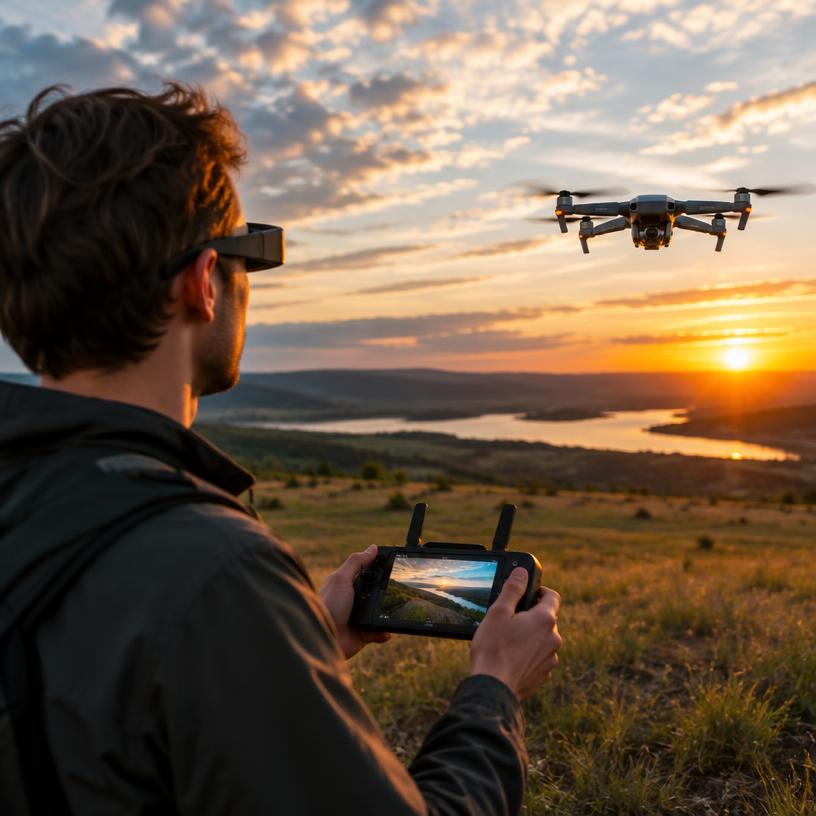 Coming soon
Planned: see a connected drone’s camera and flight information.
Needs compatible drone hardware, camera access, flight controls and safety testing. Vision cannot fly a drone today.
 Available in browser
Type text or record a microphone transcript, review it, then submit it for translation into one of eight languages. Live microphone captions with translation work in Chrome and Edge.
Automatic in-lens translation on glasses is Coming soon. Internet is required.
Open Glance →Planned features have no confirmed release date. Browser availability does not mean a feature runs inside your glasses.